![Planetarium 2 Zen Odyssey : Wonders of Astronomy [ВЗЛОМ] v 1.6](/uploads/posts/2024-03/planetarium_2_zen_odyssey__wo_icon.webp)
Planetarium 2 Zen Odyssey : Wonders of Astronomy [ВЗЛОМ] v 1.6
[lang=ru]Версия:[/lang][lang=en]Version:[/lang]
1.6
[lang=ru]В случае выхода новой оригинальной или взломанной версии, Вам будет отправлено соответствующее уведомление. Или подпишитесь на обновления с помощью телеграм бота: Подписаться
[/lang]
[lang=en]If a new original or hacked version is released, you will be notified accordingly.[/lang]
[lang=ru]Андроид[/lang][lang=en]Android[/lang]: 4.1+
[lang=ru]Вес[/lang][lang=en]Weight[/lang]: 404 MB
[lang=ru]Просмотров[/lang][lang=en]Views[/lang]: 3 711
[lang=ru]Скриншоты[/lang][lang=en]Screenshots[/lang]
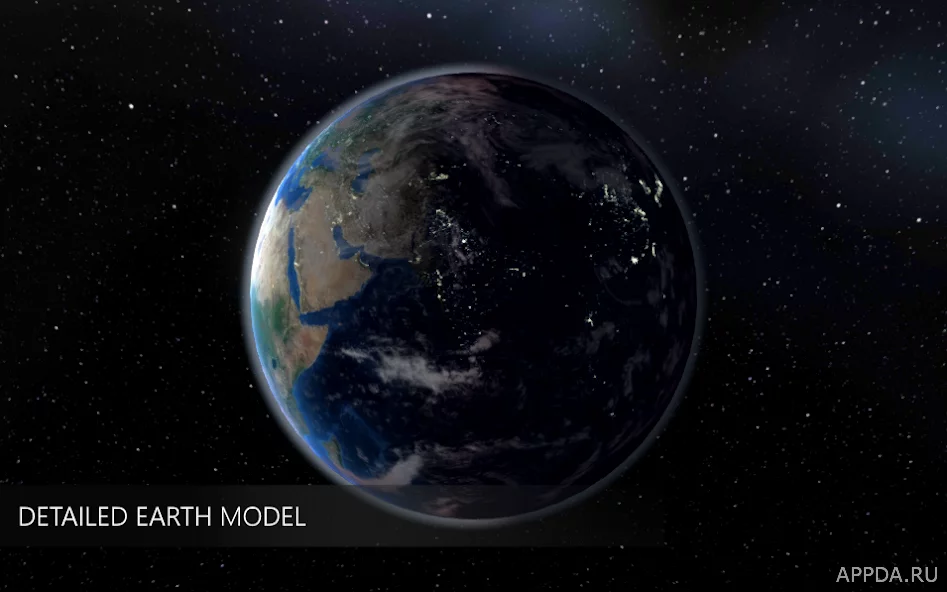
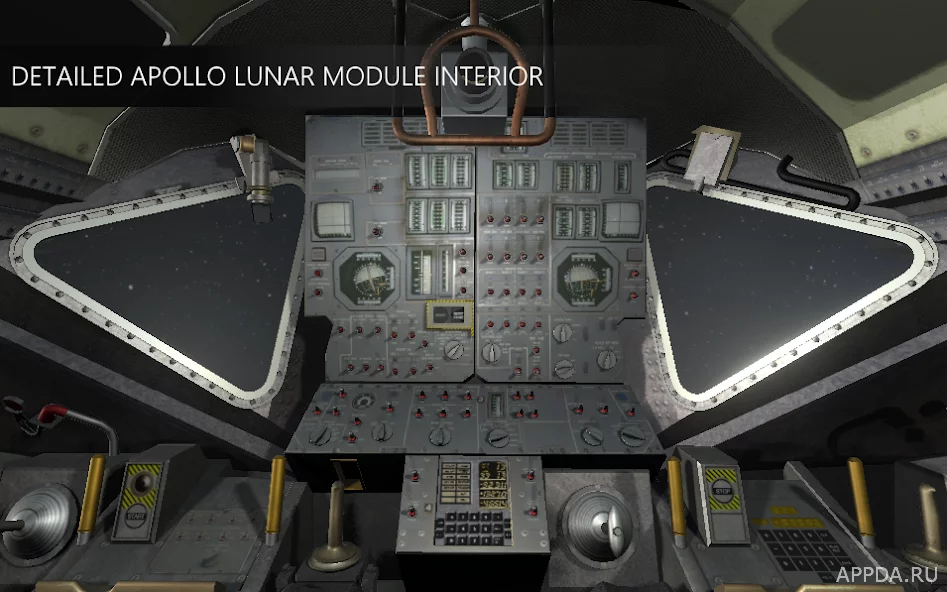
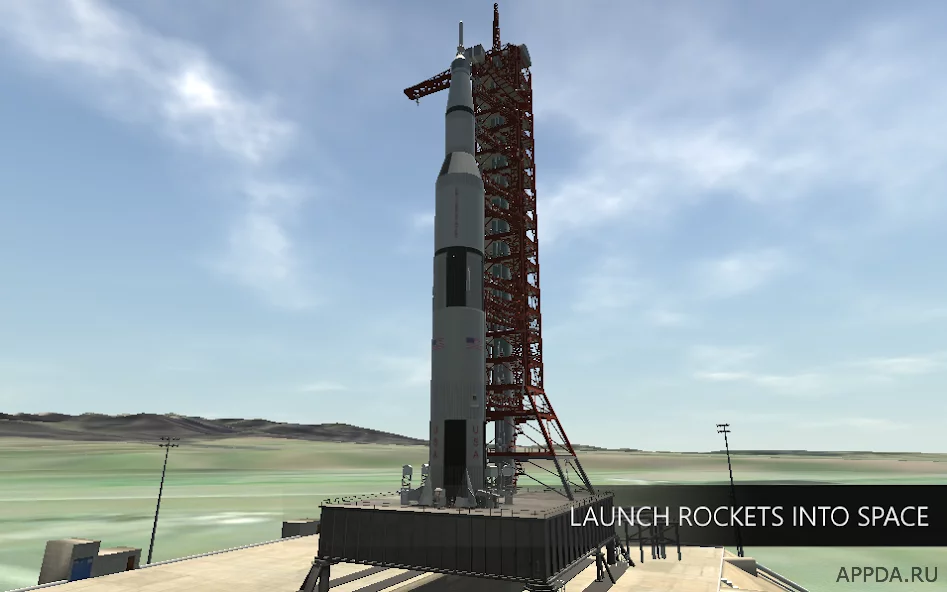
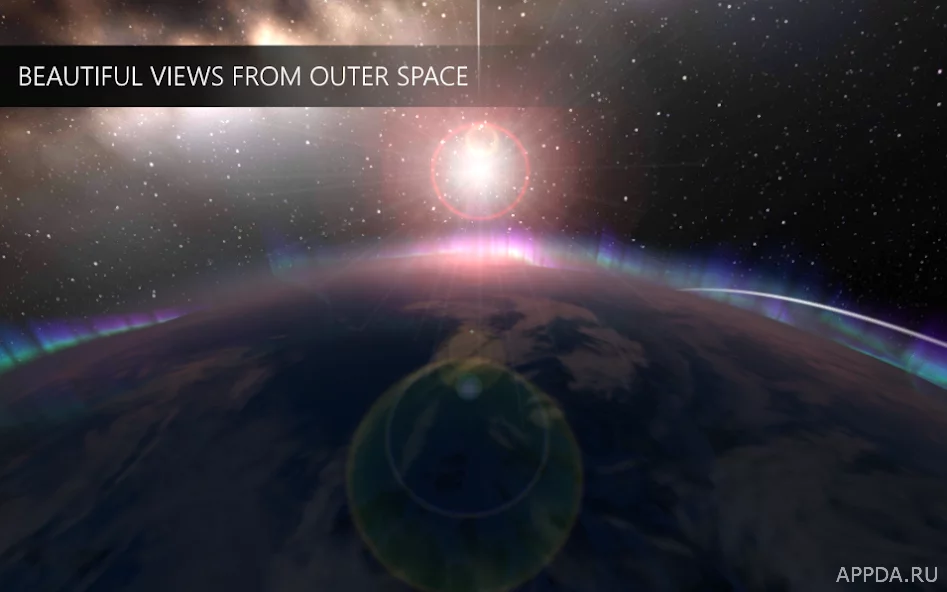
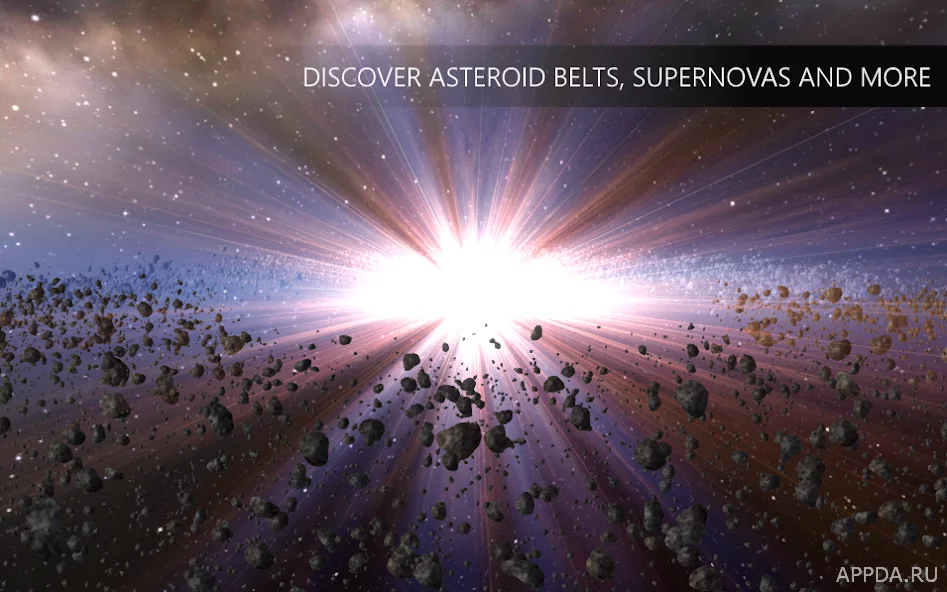
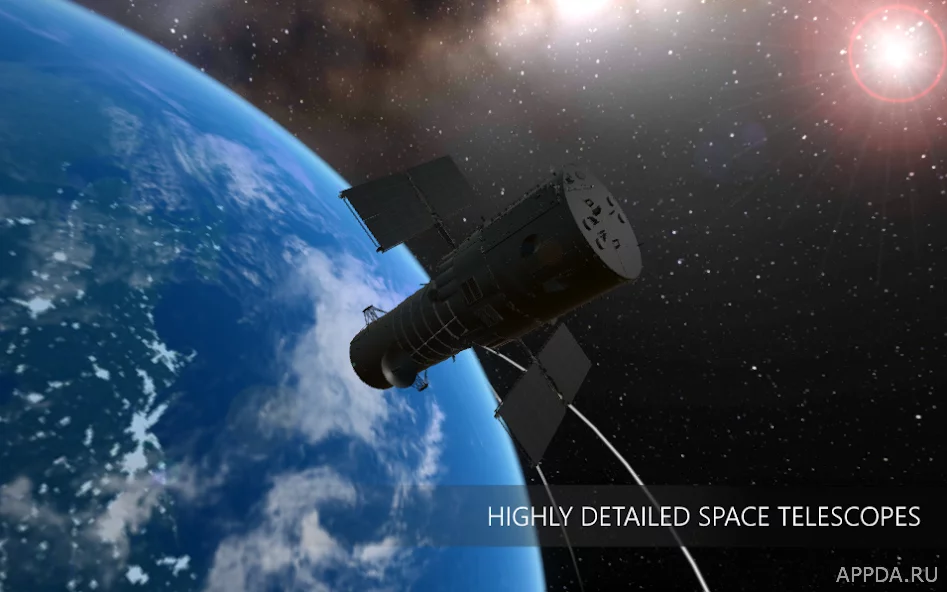
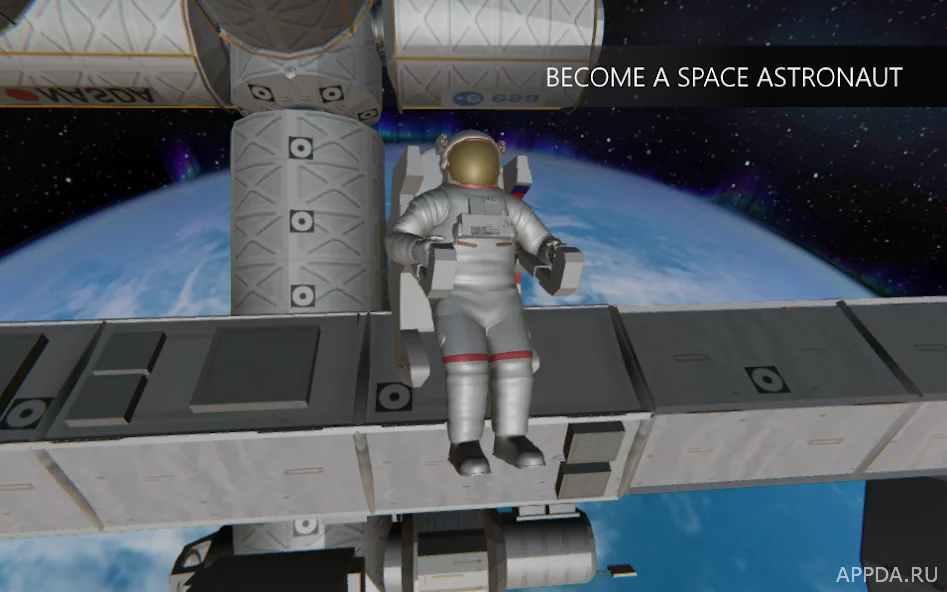
Planetarium 2 Zen Odyssey : Wonders of Astronomy - интересный образовательный проект с большим количеством увлекательной информации. Если вас привлекает вселенная и вы любите узнавать о ней множество нового, то данное приложение точно придется вам по вкусу. На этот раз студия разработчиков предлагает пользователям полностью погрузиться в виртуальный мир и вместе с ними отправиться в открытый космос, где они смогут увидеть все своими глазами. У игроков будет возможность собрать собственную ракету и на ней в дальнейшем полететь на одну из неизведанных планет. Здесь вы сможете в довольно привлекательной для вас форме хорошо изучить строение планет, как устроена солнечная система и множество других интересных фактов.
Особенности:
- Бесплатное скачивание
- Довольно необычный игровой процесс
- Множество интересной информации
- Симпатичный графически интерфейс
[lang=ru]
[/lang]
[lang=en]
[/lang]
- Перед установкой убедитесь, что на устройстве доступно более 404 MB свободного пространства.
- Откройте файловый менеджер, найдите скачанный APK-файл (обычно он находится в папке «Downloads») и запустите его.
- Нажмите «Установить» в появившемся окне и дождитесь завершения процесса.
- Если в ссылках скачивания есть кэш, скачайте его и разархивируйте содержимое в папку SD/Android/obb. В итоге путь должен выглядеть так: SD/Android/obb/папка_кэша/файлы_кэша.
- Полная инструкция: Как установить APK/XAPK.
- Download APK file & cache;
- If the game was downloaded in .bin format, you need to use any file manager to rename the file to .apk and install;
- Allow installation from unknown sources in the security settings;
- Using the ES File Explorer or any other, find the downloaded APK file (usually located in the Downloads folder) and install;
- If you want to update the original version - put on top of the installed application. If you are trying to update the mod, the installation may not work. If this happens, delete the old version of the hack and install the fresh one (there is no guarantee that the gameplay will be saved);
- If the download links have a cache, download and unzip the contents along the SD/Android/obb path using the file manager. That is, the path should be SD/Android/obb/cache folder/cache files;
- Run the application;
- If errors occur, write in the comments, we will be happy to help you.
[lang=ru]
[/lang]
[lang=en]
[/lang]
- Если приложение ранее было скачано с нашего сайта, просто установите новый APK (v1.6), не удаляя старую версию. Прогресс при таком обновлении сохранится.
- Если же версия была установлена из Google Play или другого источника, сначала придется удалить приложение, так как из-за конфликта подписей обновление будет отклонено системой.
- Download the APK file of the game Planetarium 2 Zen Odyssey : Wonders of Astronomy [ВЗЛОМ] v 1.6;
- If you previously downloaded the application from us, then without deleting the old version, install the new one by simply running the installation file;
- If you downloaded the old version of the mod not from us or you have the original version installed, then it is impossible to update the game, you will receive an error like "The application is not installed." Therefore, you will have to delete the game/application and install the APK again;
- When updating, the gameplay should be preserved. But this does not work for every game and not for every update. This is due to a large number of reasons.
[lang=ru]Скачать Planetarium 2 Zen Odyssey : Wonders of Astronomy [ВЗЛОМ] v 1.6 на Андроид[/lang][lang=en]Download Planetarium 2 Zen Odyssey : Wonders of Astronomy [ВЗЛОМ] v 1.6 for Android[/lang]
[lang=ru]Похожие[/lang][lang=en]Related[/lang]
![Vikings Odyssey [ВЗЛОМ: Много денег] v 1.2.1](/uploads/posts/2020-09/1600452579_vikings_odyssey_-_build_village.jpg)



![Alto's Odyssey [ВЗЛОМ на деньги] 1.0.8](/uploads/posts/2024-03/alto39s_odyssey_icon.webp)


MOD
2.2 GB
UPDATE
NEW
[lang=ru]Версия:[/lang][lang=en]Version:[/lang] 0.0.0.33
[lang=ru]Дата:[/lang][lang=en]Updated:[/lang] 16.06.2026

MOD
2.1 GB
UPDATE
NEW
[lang=ru]Версия:[/lang][lang=en]Version:[/lang] 1.1
[lang=ru]Дата:[/lang][lang=en]Updated:[/lang] 21.06.2026

MOD
133.4 MB
UPDATE
NEW
[lang=ru]Версия:[/lang][lang=en]Version:[/lang] 1.038
[lang=ru]Дата:[/lang][lang=en]Updated:[/lang] 13.06.2026

MOD
223 MB
UPDATE
NEW
[lang=ru]Версия:[/lang][lang=en]Version:[/lang] 2.7.0
[lang=ru]Дата:[/lang][lang=en]Updated:[/lang] 5.06.2026

MOD
219 MB
UPDATE
NEW
[lang=ru]Версия:[/lang][lang=en]Version:[/lang] 1.0.8
[lang=ru]Дата:[/lang][lang=en]Updated:[/lang] 1.06.2026

MOD
161.9 MB
UPDATE
NEW
[lang=ru]Версия:[/lang][lang=en]Version:[/lang] 1.0.2
[lang=ru]Дата:[/lang][lang=en]Updated:[/lang] 22.06.2026

MOD
203 MB
UPDATE
NEW
[lang=ru]Версия:[/lang][lang=en]Version:[/lang] 1.41
[lang=ru]Дата:[/lang][lang=en]Updated:[/lang] 1.06.2026

MOD
164 MB
UPDATE
NEW
[lang=ru]Версия:[/lang][lang=en]Version:[/lang] 1.0.5
[lang=ru]Дата:[/lang][lang=en]Updated:[/lang] 12.06.2026